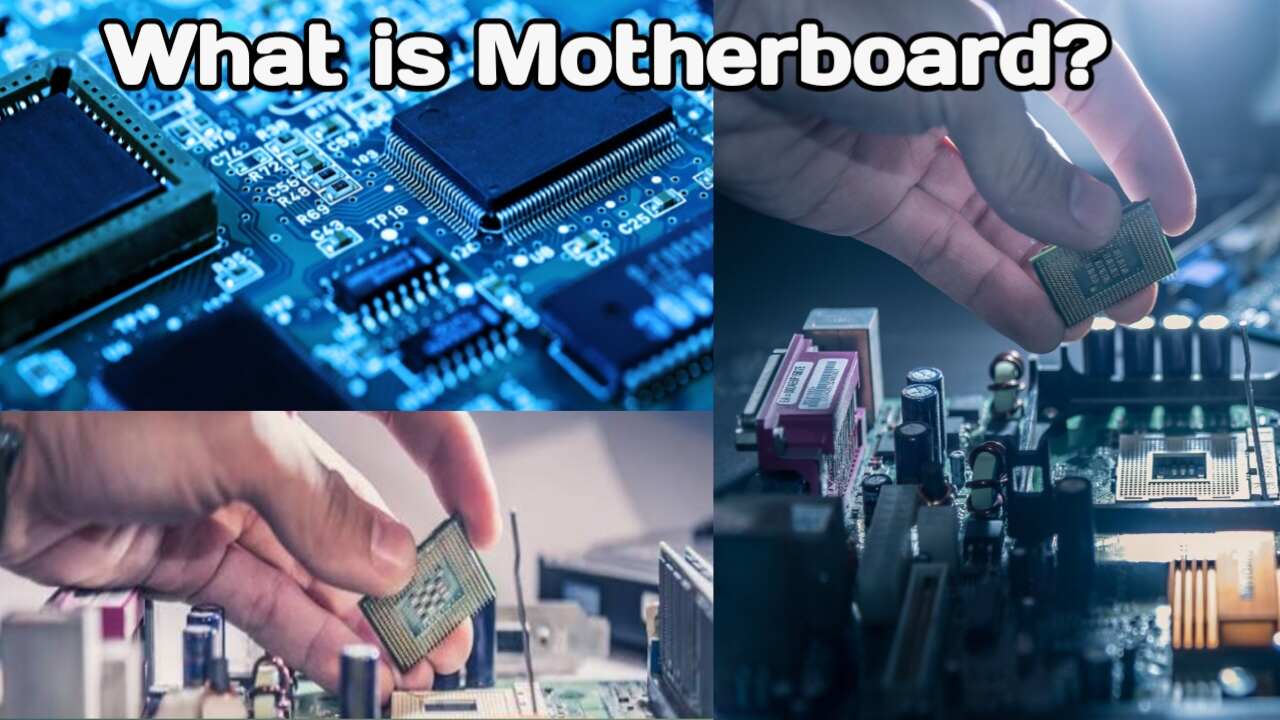
What is a Motherboard and What Are Its Types
Today, we are going to discuss motherboards again. Usually, when building a CPU (PC), we carefully select and configure all the components involved. We research and purchase the best possible processor, RAM, graphics card, hard drive, SSD, and so on for our system. But what about the motherboard? We often simply buy whatever the shopkeeper suggests because we lack sufficient knowledge about motherboards. Not everyone is fully aware of the different types of motherboards available or how much load a specific motherboard can handle.
So, today we will discuss these points and explore the different types of motherboards and how to choose the right one.
What Does a Motherboard Do
Before diving into the types of motherboards, it is essential to understand what a motherboard does and how it functions. We already have a video uploaded to our channel covering this topic in detail, which you can watch to learn more.
However, let me provide a brief overview here. A fully functional computer consists of various components, each playing a specific role. Components such as the hard drive, SSD, RAM, ROM, graphics card, and processor—along with any other installed devices—are all assembled onto the motherboard.
Essentially, the board features various slots and ports designed to accommodate these different components. The more components you assemble into your computer based on your needs, the more robust (or “heavy-duty”) the motherboard needs to be. This is because every component or device is mounted directly onto the motherboard. In short, the motherboard is the central component where all other parts of the computer are assembled.
How to Choose a Motherboard?
Let’s move on to the main topic: how to select the right motherboard when building a PC for yourself or someone else. There are primarily four types of motherboards:
1. Mini ITX
2. Micro ATX
3. Standard ATX
4. E-ATX
The function of all four motherboards is essentially the same; computer components are mounted directly onto them. The difference lies in their intended use: some are designed for high-performance (heavy-duty) computer builds, while others are suited for low-configuration or average systems.
Let us look at each one individually to understand the type of configuration for which it is designed.
1. Mini ITX Motherboard
The first in the series of motherboards is the Mini ITX. It features connectors as well as PCIe slots. These are low-configuration motherboards, typically used for basic, everyday tasks. They are most commonly used for activities such as creating documents, preparing presentations (PPTs), and self-study.
2. Micro ATX Motherboard
The next category is the Micro ATX motherboard. It is larger in size than the Mini ITX. These motherboards typically feature two to four RAM slots, four USB ports, and a couple of PCIe slots. Like the Mini ITX, this is also considered a low-configuration motherboard. It is primarily used for the same types of tasks as the Mini ITX—document creation, presentations, and self-study.
3. ATX Motherboard
Next is the ATX motherboard. It is the largest in size and offers the highest configuration capabilities. Like the Standard ATX, this motherboard is highly upgradeable, allowing its configuration to be adjusted up or down as needed. It features four to six RAM slots and six to eight USB ports, including support for USB 3.1. It offers four to six PCIe slots, more than four AGP slots, a dedicated M.2 port for SSDs, and support for HDMI as well as built-in internet connectivity.
ATX motherboards also feature BIOS capabilities.
This is a type of gaming motherboard; it is not intended for standard, everyday tasks. Instead, it is designed for high-end applications such as advanced design work, high-performance gaming, and video editing.
Conclusion
The motherboard is a crucial component of a computer, as various parts are assembled onto it. Different types of motherboards are used depending on specific configurations and requirements. Therefore, when building a computer, it is essential to select the right motherboard that meets your needs.

I am the founder and content creator of SuperJankari.com, a technology-focused website dedicated to sharing useful information about smartphones, laptops, gadgets, apps, software, and the latest technology updates. My goal is to make technology easy to understand by providing clear, practical, and informative content for readers.